The problem
Right now, your swipe file is a folder of screenshots.
Screenshot it
You lose the video, and the ad copy is stuck inside a picture.
Copy it into a doc
Image, text, headline and link, one ad at a time, by hand.
Bookmark the search
And hope the ad is still there when you come back for it.
DV Meta Ad Saver saves the whole ad in one click: the creative as a file in your Drive, with everything you'd have copied by hand stored on it.
How it works
Search, save, find it in Drive.
Search the Ad Library as usual
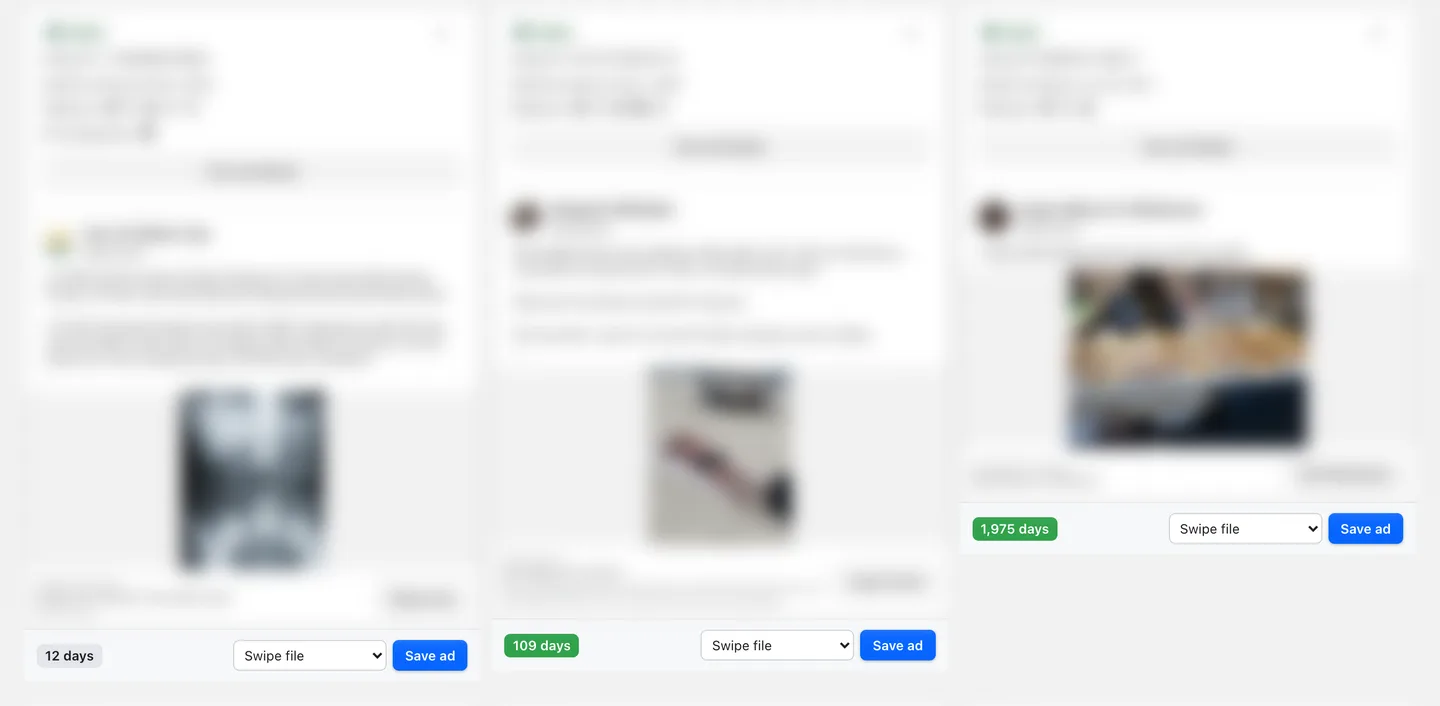
A Save bar appears under every ad as the results load. Nothing else about the page changes.
Spot the ads worth keeping
Each ad shows how many days it's been running. Over 14 days turns green, a quick sign the advertiser keeps paying for it.
Click Save ad
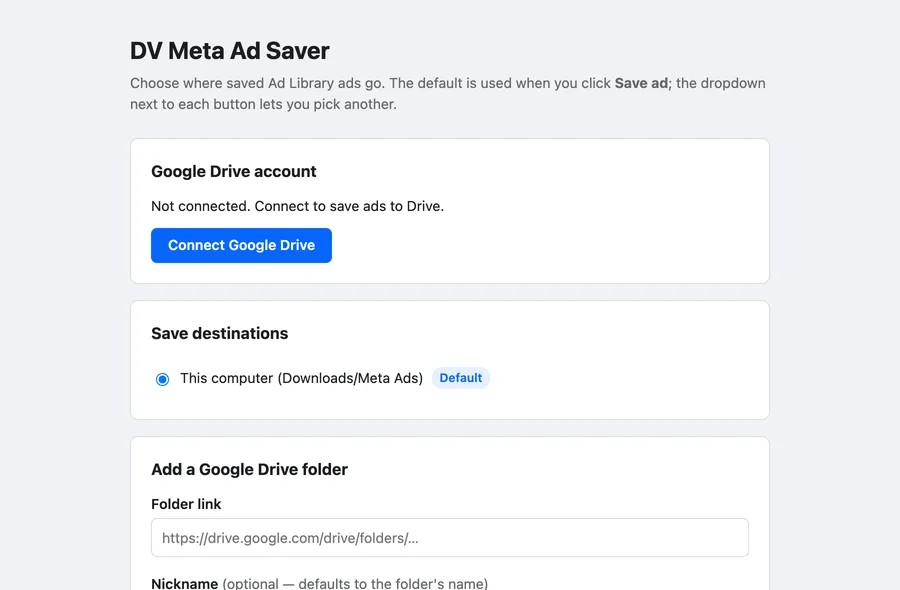
Pick which Drive folder it goes to, or keep your default. The button turns to Saved ✓.
Open it in Drive
The file is named
Advertiser - Library ID. Open Drive's details panel to see its copy, headline, call to action, landing page and start date.
Features
Built for keeping a swipe file, not just a pile of files.
Images, videos and carousels
Videos save as video files, and each carousel card as its own numbered file.
The ad's details, kept on the file
Copy, headline, call to action, landing page, start date and days running.
Days running on every ad
See which ads have been live for months before you open a single one.
A folder for each client
Add as many Drive folders as you like and choose one per ad.
No duplicates
Save an ad that's already in the folder and it tells you it's already saved.
Recent saves
Your last saves are listed in the toolbar button, with where each one went.
Privacy
Your ads go to your Drive, not ours.
DV Meta Ad Saver runs in your browser and saves straight to the Google Drive folders you add, or to your computer. There's no Digital Vision server behind it. We never receive or see the ads you save.
- We don't collect what you save or search. Not your ads, your folders or your Ad Library searches.
- It only runs on the Facebook Ad Library. It doesn't read your Facebook account, feed or messages.
- Google access is only used to save. It writes ads into the folders you add and checks them for duplicates. Disconnect it any time in Settings.
- Nothing is used for AI or model training. Or for advertising, and nothing is sold to anyone.
FAQ
Questions
Why can't I install it yet?
It isn't on the Chrome Web Store yet, and Google only lets a short list of invited testers connect their Drive until it finishes Google's app review. Join the early-access list and we'll email you when you can install it.
Where do my saved ads go?
Into the Google Drive folders you add in Settings. Each ad is one file named after the advertiser and its Library ID. Its copy, headline, call to action, landing page, start date and days running are saved on the file, in Drive's details panel.
Do I need Google Drive?
No. You can save to your computer instead. Ads go to Downloads/Meta Ads/ as image or video files. The ad's copy and details are only kept when you save to Drive.
What does the days-running number mean?
How long the ad has been running, from the start date the Ad Library shows. The Ad Library doesn't show spend or results for most ads, so how long an advertiser keeps paying for an ad is one of the few signals you can see. Ads running more than 14 days get a green badge.
Does Digital Vision see the ads I save?
No. Saves go straight from your browser to your own Google Drive or computer. There's no Digital Vision server behind the extension, and nothing is used for AI training, advertising or sold to anyone.
What does it save from carousels, videos and ads with several versions?
Videos save as video files. Each carousel card saves as its own file, numbered -1, -2 and so on. For ads with several versions, the version the Ad Library shows first is saved.
Does it work in other languages?
Not yet. It works when the Ad Library is shown in English.
Early access
Be first to install it.
Join the list and we'll email you as soon as DV Meta Ad Saver is ready to install. We're also planning a second tool, and we'll build it if enough people want it.
Early access
Install DV Meta Ad Saver as soon as Google Drive access opens up beyond testers.
Advertiser Monitor (planned)
Pick advertisers to follow. On a schedule you set, their longest-running ads are saved into your folder for you.
The Advertiser Monitor isn't built yet. Joining the list doesn't sign you up for anything paid.
You're on the list.
We'll email you when you can install it.